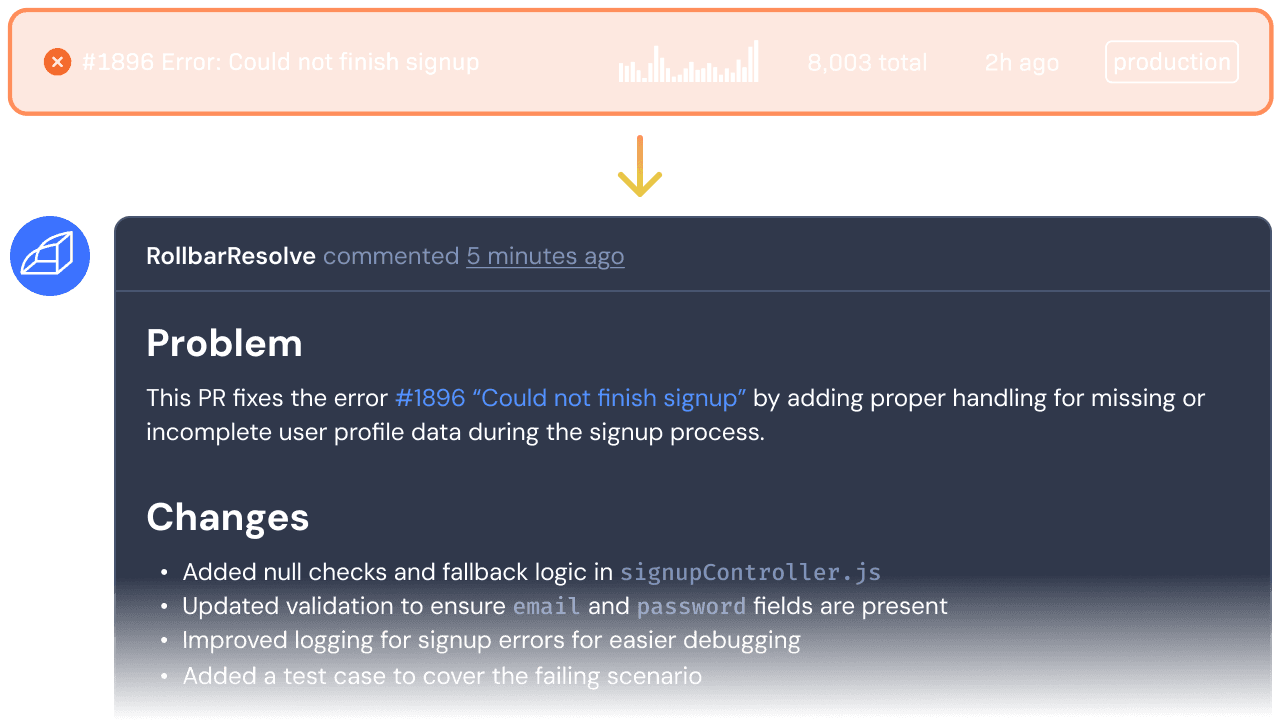
What it does
Resolve covers every step
except the merge.

It starts with the stack trace and the telemetry timeline.


Through the GitHub App it traces the error to the responsible code and writes the cause on the item. If it cannot tell, it says so.

It runs your test suite in isolation, away from your branches. The results travel with the pull request.

The pull request carries the fix, the test results, and the root cause, and you review it like any teammate’s work.
You stay in charge
You pick the errors, you review the work, and you
set the spend.

You decide which errors it handles
Start a run from any item, or write a rule. Resolve only works on what you allow.
Every fix arrives tested
Resolve runs your tests before it opens anything, so you see the results before the diff.
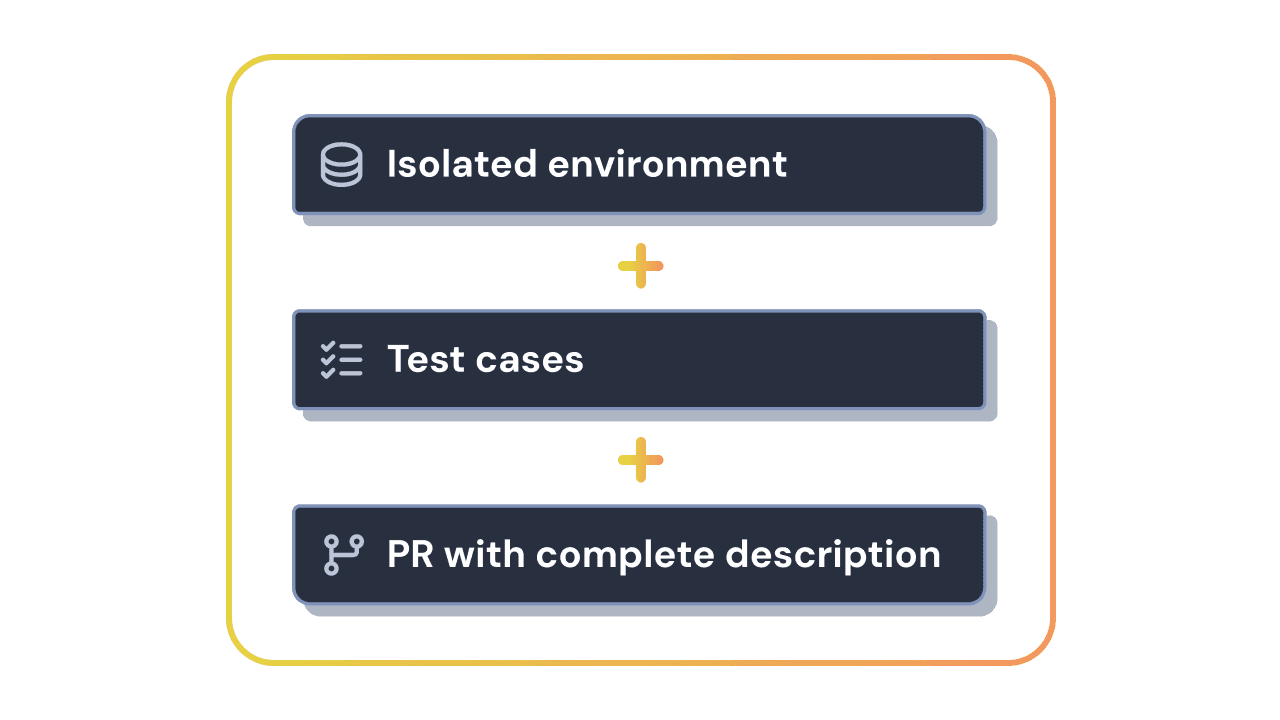

You review it like a teammate’s work
Each fix is a pull request in GitHub. You can give Resolve feedback on its work, and it never merges on its own.
You set the scope, the cadence, and the spend
Set limits on what Resolve works on and how often. It runs on AI credits with no per-seat charge, so the cost follows your use.

Why
The fix is usually easy.
Finding an afternoon for it is the hard part.
Fixing production bugs is usually not hard, but it still takes real time and attention. Resolve takes that work off your plate. The alert, the root cause, and the pull request land in the channel your team already watches.
It works from the errors your users hit, with their full context.
Every pull request includes your test results and the root cause.
Rollbar tells you in Slack or email when a run finishes or fails.
Before you turn it on
What to know before you turn it on.
Get started
Hand the production bugs to Resolve and get back to the
work you planned.
Plans start at $0, with a 14-day free trial.